
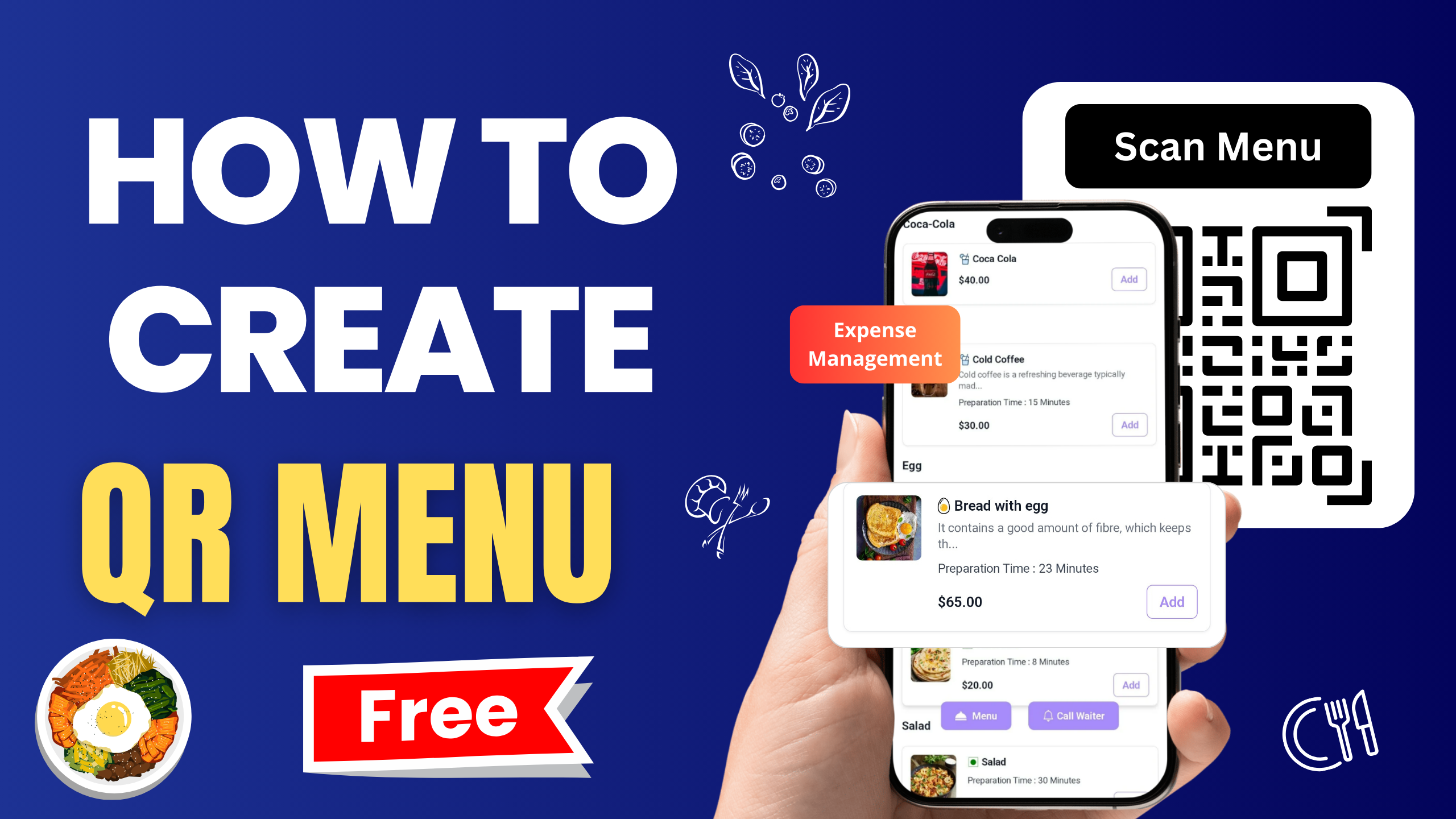
How to Create a Free QR Menu for Your Restaurant
A QR menu allows customers to scan a QR code with their phone and instantly view your restaurant’s menu—no physical menu required. It is simple to create, easy to update, and can help restaurants provide a better contactless dining experience.
1. Choose a QR Menu Platform
The easiest way is to use an online QR menu platform. Look for features such as:
- Digital menu creation
- QR code generation
- Menu categories
- Food images and descriptions
- Pricing and availability
- Mobile-friendly design
- Easy menu updates
2. Try ScanTaste First
If you’re looking for a simple way to create a digital QR menu, ScanTaste is a good option to try first.
You can create your restaurant’s digital menu, organize food items into categories, and provide customers with a QR code they can scan from their phones.
ScanTaste offers a 14-day free trial, so you can test the platform before deciding whether it fits your restaurant.
3. Add Your Restaurant Menu
After creating your account, add important information such as:
- Restaurant name
- Logo
- Food categories
- Dish names
- Prices
- Descriptions
- Food photos
- Vegetarian/non-vegetarian indicators
- Special or featured dishes
Keep the menu simple and easy to navigate on a mobile phone.
4. Generate Your QR Code
Once your digital menu is ready, generate the QR code linked to your menu.
You can then:
- Print it on tables
- Put it near the entrance
- Add it to takeaway packaging
- Place it on receipts
- Display it at the counter
5. Test the QR Menu
Before printing hundreds of QR codes, scan the code with multiple phones and check that:
- The QR code opens correctly
- The menu loads quickly
- Prices are correct
- Images display properly
- All categories work
- The menu looks good on mobile
Why Use a QR Menu?
A digital QR menu makes it much easier to update your restaurant menu. If a price changes or an item becomes unavailable, you can update the digital menu instead of printing new menus.
It can also reduce printing costs and provide customers with a convenient way to browse your food menu.
Conclusion
Creating a QR menu doesn’t have to be complicated or expensive. With a digital menu platform such as ScanTaste, you can create your restaurant menu, generate a QR code, and start offering customers a modern digital menu experience.
Want to try it before paying? Start with ScanTaste’s 14-day free trial and see how it works for your restaurant.

