How to Create Free Qr Menu For Restaurant
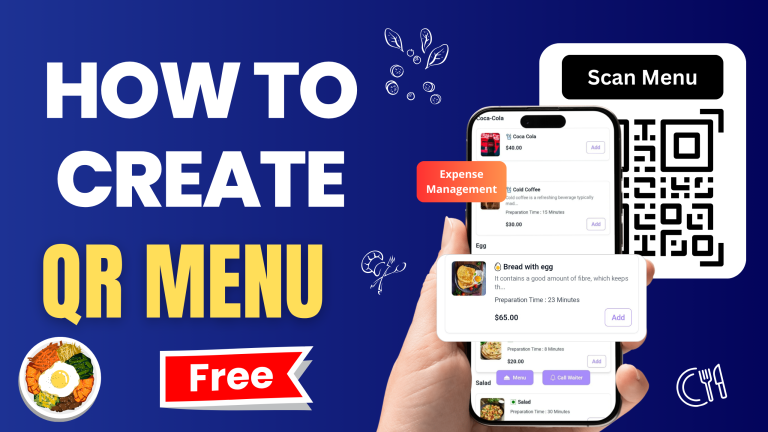
How to Create a Free QR Menu for Your Restaurant A QR menu allows customers to scan a QR code with their phone and instantly
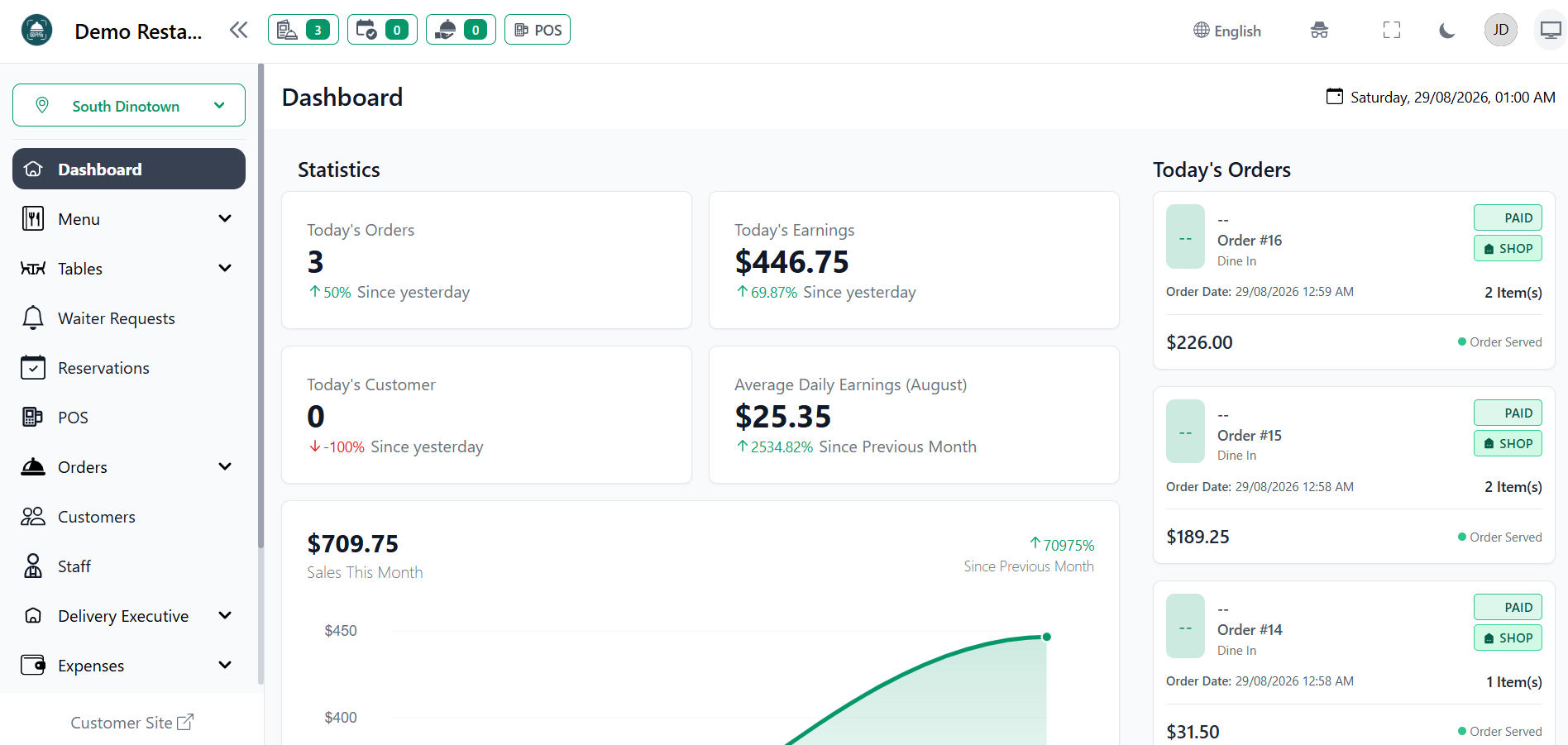
Read postManage orders, tables, payments, KOTs, reports, and QR Code Digital Menus from one simple, powerful platform.
Excellent
4,000+ reviews on
Features
Create a smarter dining experience with QR menus, digital ordering, and powerful restaurant management tools.
Never miss an order again. Keep all your customer orders—from dine-in to takeaway—organized and accessible in one place. Streamline your service, reduce confusion, and keep your kitchen running smoothly.
Rely on our knowledgeable support team to help you get the most out of our platform. We're available to answer questions and provide guidance.
Integrations
Connect your tools, connect your teams. With over 200 apps already available in our directory, your team’s favourite tools are just a click away.
Solutions
Less paperwork. Fewer mistakes. Faster service. More control.
Show your food with images, descriptions, prices, categories, add-ons, and more.
Changed a price? Added a dish? Out of stock? Update it instantly—no printing required.
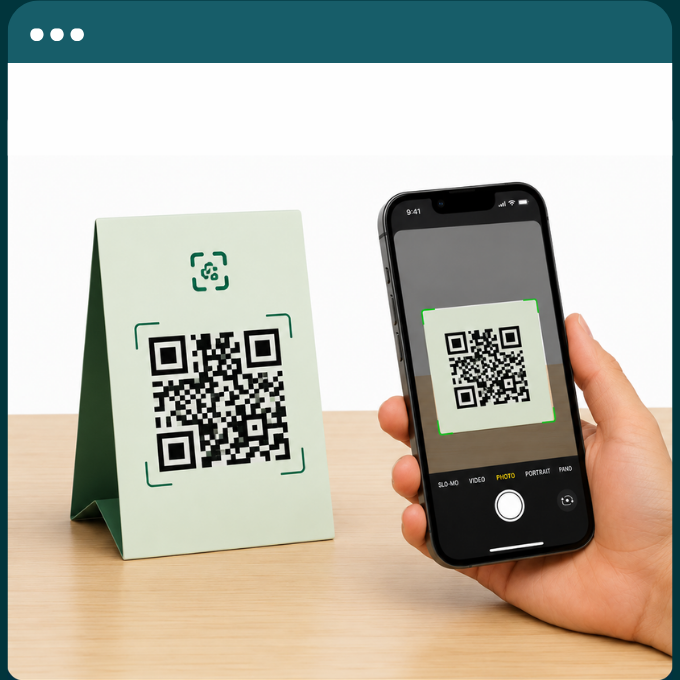
Create QR codes for tables, counters, takeaway, or any location you need.
See new, pending, preparing, completed, and cancelled orders in one place.
Understand what customers are ordering and identify your best-performing dishes.
Manage your restaurant from your phone, tablet, or computer whenever you need.
Excellent
4,000+ reviews on
Pricing
For new restaurant, cafe
50% Off on yearly
For growing restaurant, cafe
20% Off on yearly
For large restaurant, cafe
20% Off on yearly
*Yearly discount available on select plans.
Restaurant Management
Automatic Payment Gateway's Integration
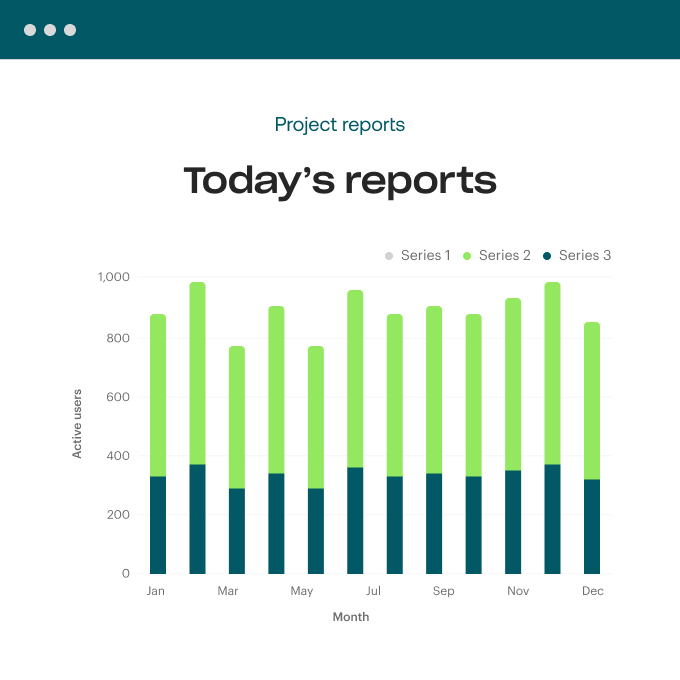
Automated data analysis and reporting
Scalable plans to fit any business size
Staff & AI-Powered Tools
Testimonials
“It gives our restaurant a much more modern experience without requiring expensive hardware or complicated systems.”
“We stopped worrying about reprinting menus every time a price changed. Now we update everything in seconds.”
“Customers can scan, browse the menu and get what they need without waiting for someone to bring a physical menu.”
“The biggest improvement for us is how much easier it is to manage the menu and orders from one place.”
“We wanted something simple that our team could actually use without spending days learning it. ScanTaste did exactly that.”
ScanTaste is a digital restaurant platform that lets restaurants create QR menus, manage their menus digitally, and handle restaurant orders from one dashboard.
No. Customers can simply scan the restaurant's QR code using their phone and open the digital menu in their browser.
Yes. You can update dishes, prices, descriptions, images, categories, and availability without creating a new QR code.
Yes. You can create table-specific QR codes to make your restaurant's digital menu and ordering experience more organized.
Yes. Add images, prices, descriptions, categories, variants, and other menu information to make your digital menu more engaging.
Yes. Orders can be received and managed through your restaurant dashboard, helping your team keep track of incoming orders.
No. ScanTaste is designed to be simple enough for restaurant owners and staff to manage without technical expertise.
Yes. Start with the 14-day free trial and explore the platform before choosing a plan.
Insights
How to Create a Free QR Menu for Your Restaurant A QR menu allows customers to scan a QR code with their phone and instantly
Read postGet started today!
See how we help your team solve today’s biggest challenges.
Excellent
4,000+ reviews on
A smart QR digital menu for restaurants. Customers simply scan the QR code to instantly view your menu on their phone—no app or download required. Easily manage menus, prices, categories, and food items anytime.